
 Documentation
Editor guide
Graph Preview
Inspect graph playback in a separate preview window.
Editor view
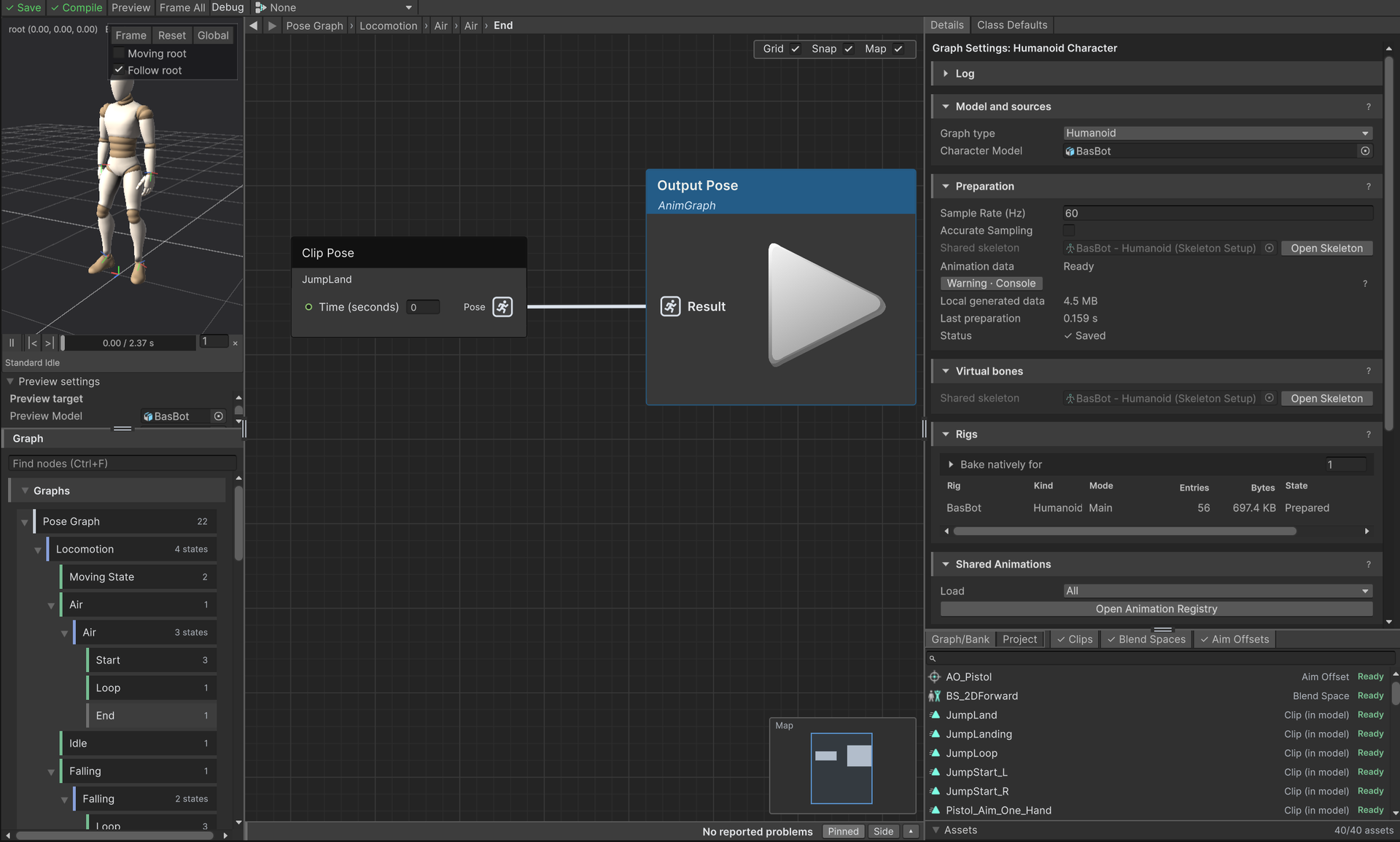
Open the tool
Open the graph preview from the Graph Editor.
Graph and debug target
Graph selects the graph to inspect. In Play Mode, Debug character lists active Graph Animators that run this graph. Dragging a character from another graph into the field leaves the selection unchanged.
Select a character to follow its completed pose and playback values. Clear the character to use the private preview controls.
Mesh viewport
The viewport shows the selected model and graph result. Frame, root-motion display and camera controls affect the preview scene.
Playback and preview controls
Play, pause, step and scrub change the preview time. Reset restores the preview session.
Preview inputs, state choices, slot commands and feedback sections let you inspect the graph result without adding gameplay code to the source scene.
Basic procedure
- Open a prepared graph in Graph Preview.
- Choose a preview model.
- Pause and step to inspect the result.
- Use the input and playback controls required by the graph.
Saved data
- Preview choices and temporary input values belong to the preview session.
- Use the graph Save and Apply workflow to save authored graph changes.
Requirements and limits
- Live Debug requires a running character for the selected graph. Private preview transport does not control that character.
- The window uses Editor preview data and is not a Player validation tool.
Reference details
These instructions describe BAS 1.0 in Unity 6000.3.7f1.
Related Editor types: GraphPreviewWindow.