
 Documentation
Glossary / Poses and coordinates
Skeletal control
A skeletal control changes selected bone transforms after it receives an input pose.
In BAS
Examples include Bone Modify, Look At and inverse kinematics controls. The control needs valid bone references and input coordinate spaces.
Weight controls its contribution. An LOD limit can skip its work above the selected character detail level.
Example
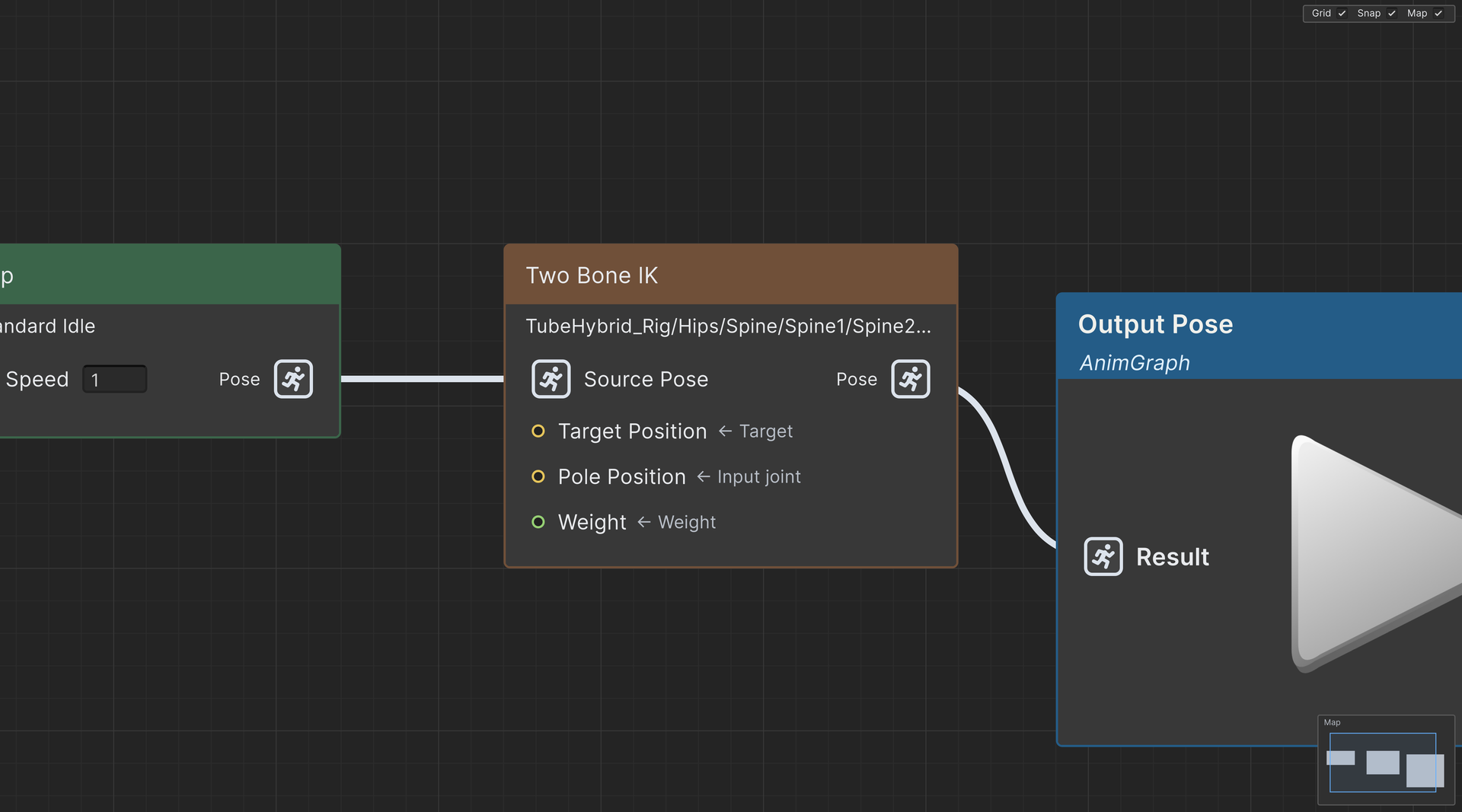
Use Two Bone IK after the base pose to place a hand at an interaction target.
Tools and examples
Reference details
This definition describes the term as used in BAS 1.0.