
 Documentation
Editor guide
Save and Preparation
Save a graph and check the status of compilation and preparation.
Editor view
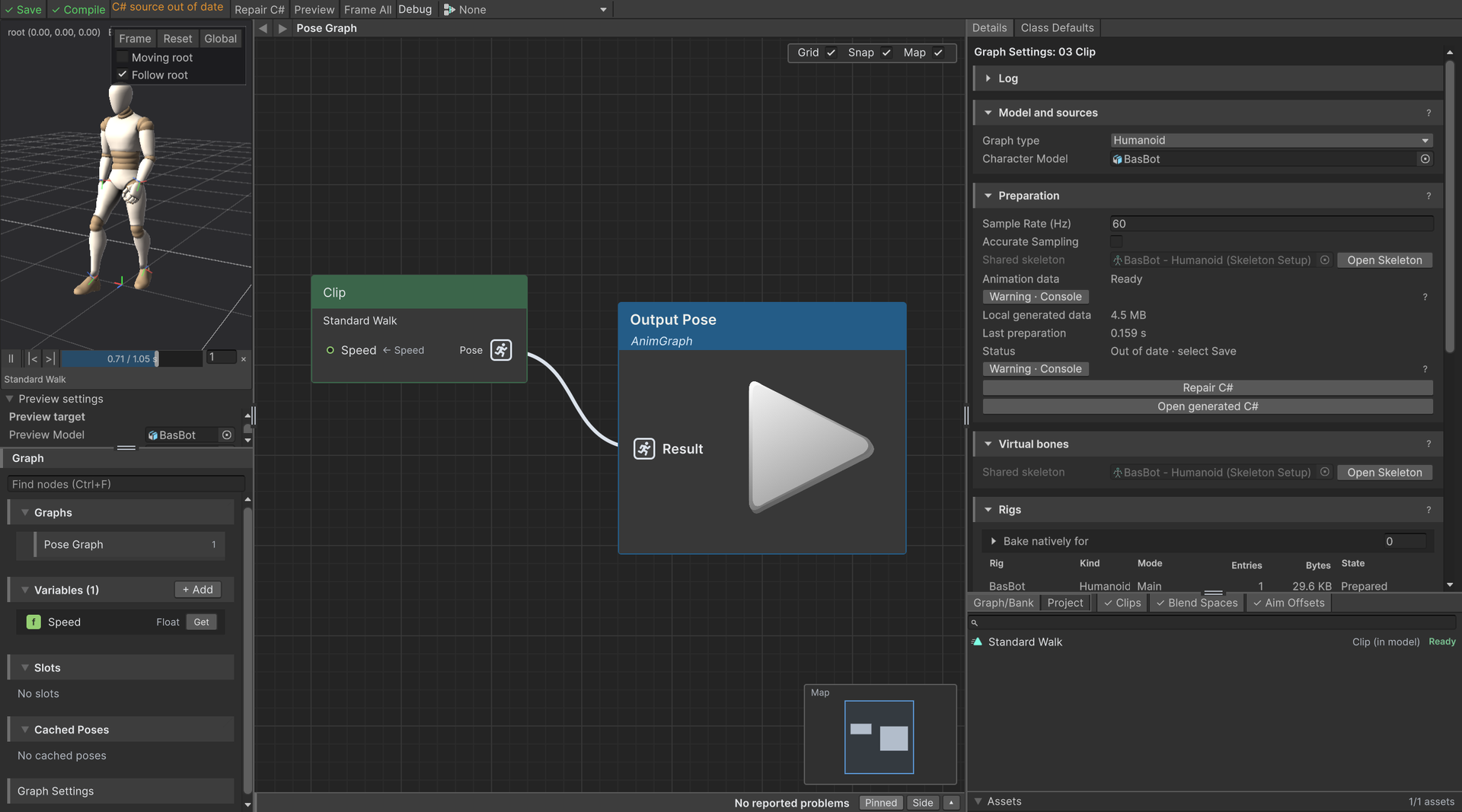
Open the tool
Select Save in the Graph Editor, or use the action in Graph Animator Status.
Save, Compile and Apply
Save writes the graph asset. Compile checks the graph against its assigned characters and prepares required data. Apply can update the running graph when the edit can be applied in Play Mode.
When a graph action waits for script compilation, the status names the action. Select Cancel to stop waiting. If Save already wrote the asset, the status says Saved, not applied.
| Control or section | Function |
|---|---|
| Problems | Open the graph Problems panel for missing sources, preparation errors or failed actions. |
| Cancel | Stop a pending action. A graph save that already reached disk remains on disk. |
| Play | Prepare changed graphs used by open scenes. If you cancel preparation, Play uses the last compiled version for unfinished graphs. |
Basic procedure
- Save the graph.
- Read the status or progress window.
- Correct any problem reported for this graph.
- If the asset is saved but preparation did not finish, select Compile.
Saved data
- A successful Save writes the graph asset and updates its associated data where required.
- BAS prepares assets in Edit Mode or before Play starts.
Requirements and limits
- The first Play after package import can wait for Burst to finish compiling.
- When a required Skeleton is missing and automatic creation is off, Save or Compile asks before creating it.
Reference details
These instructions describe BAS 1.0 in Unity 6000.3.7f1.
Related Editor types: GraphPreparationWindow.