
 Documentation
Editor guide
Welcome to BAS
Choose how animation clips and models open in Unity.
Editor view
Open the tool
The Welcome window opens the first time BAS loads in an Editor session, unless you selected Do not show again.
Double-click options
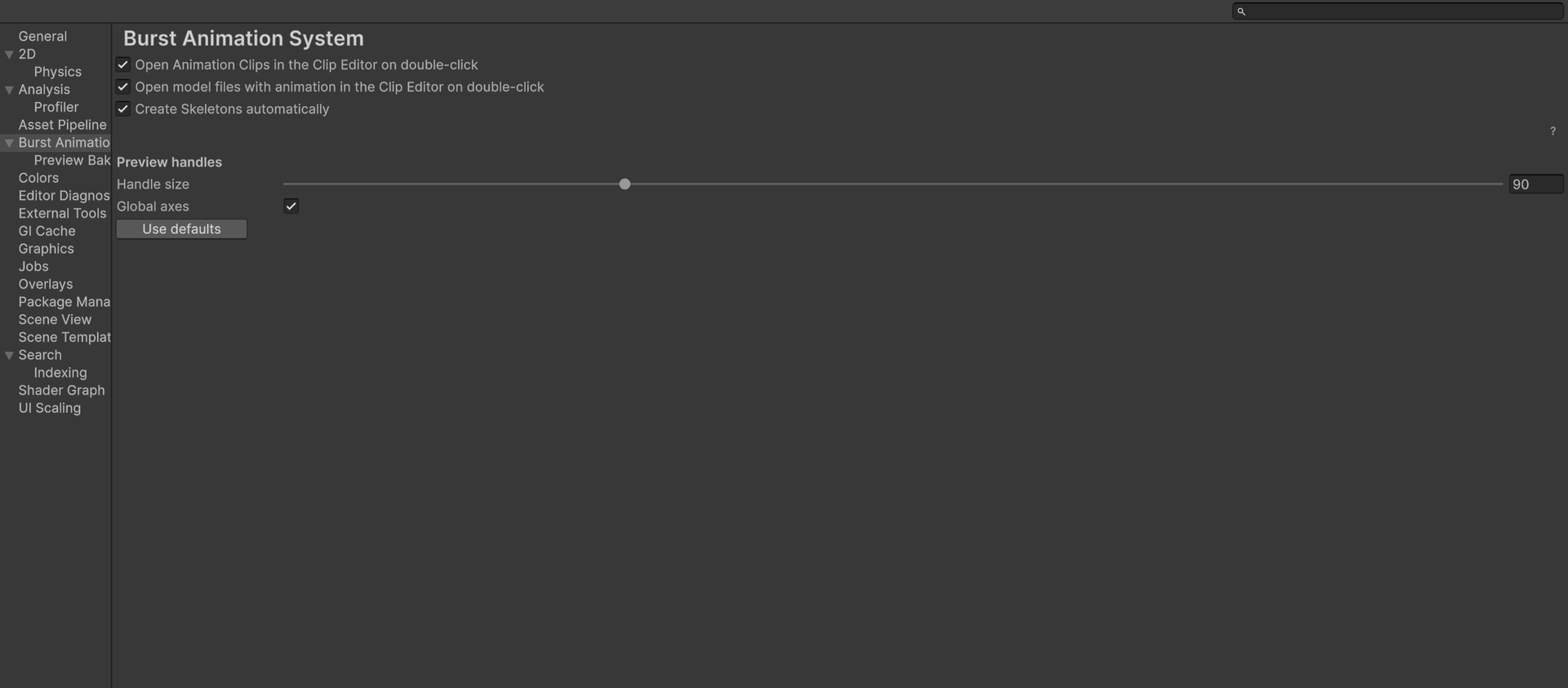
The two switches match BAS Preferences. Both are on by default.
| Control or section | Function |
|---|---|
| Open Animation Clips in the Clip Editor | Open an Animation Clip in the BAS Clip Editor. |
| Open model files with animation in the Clip Editor | Open the first clip in a model file that has animation. |
| Do not show again | Keep the Welcome window closed in future sessions. |
Basic procedure
- Set the two double-click switches.
- Select Do not show again if you want to hide the window in future sessions.
- Select Close.
Saved data
- BAS saves the switches with your personal Preferences. You can change them there later.
Requirements and limits
- Model files without animation use Unity’s usual double-click action.
Reference details
These instructions describe BAS 1.0 in Unity 6000.3.7f1.
Related Editor types: WelcomeWindow.