
 Documentation
Glossary / Playback and blending
Alpha
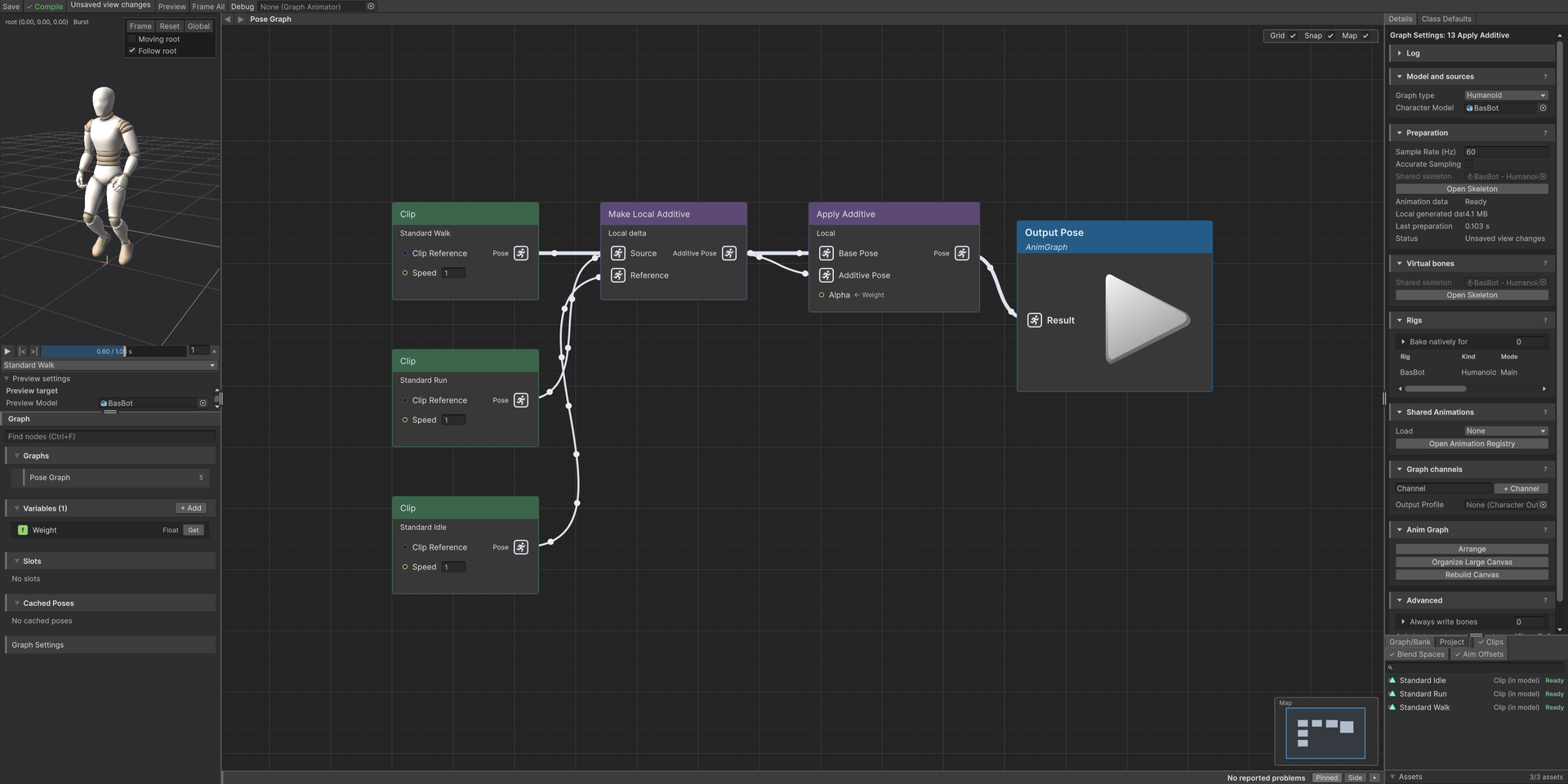
Alpha controls the amount of an operation such as applying an additive pose.
In BAS
At zero, an additive operation leaves the ordinary base pose unchanged. At one, it applies the full delta.
A preview Alpha changes the displayed composition. It does not change the saved additive reference frame of the source clip.
Example
Increase preview Alpha from 0 to 1 to inspect the additive change over the same base pose.
Tools and examples
Reference details
This definition describes the term as used in BAS 1.0.