
 Documentation
Glossary / Playback and blending
Montage section
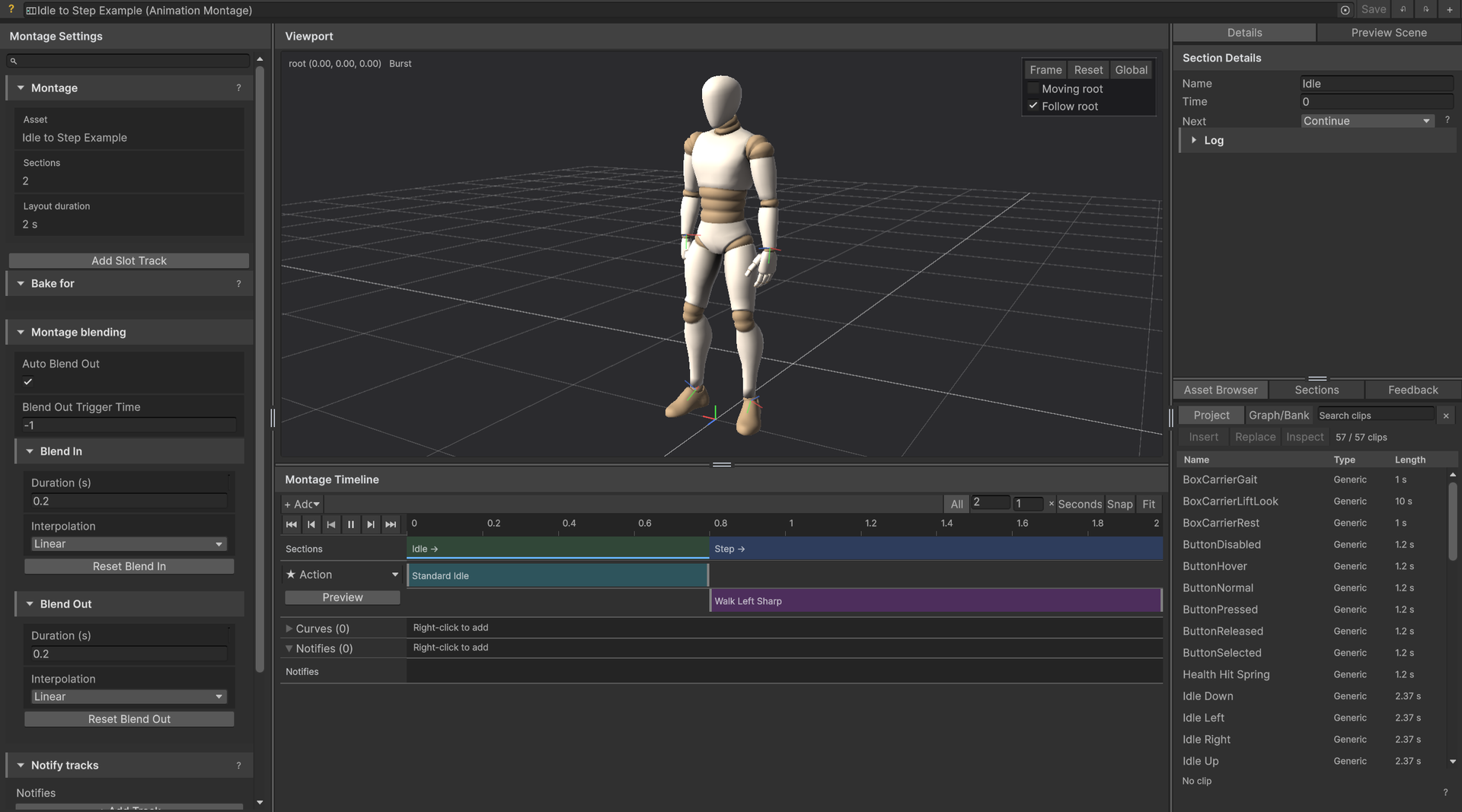
A montage section is a named timeline position with a next-section route.
In BAS
The section route controls which section follows during playback. It is separate from the clip segments that occupy slot tracks.
Changing a route changes playback order. It does not change the source clip range or create another slot.
Example
Create Start, Loop and End sections. Route Loop back to itself until gameplay requests End.
Tools and examples
Reference details
This definition describes the term as used in BAS 1.0.