
 Documentation
Glossary / Playback and blending
Weight
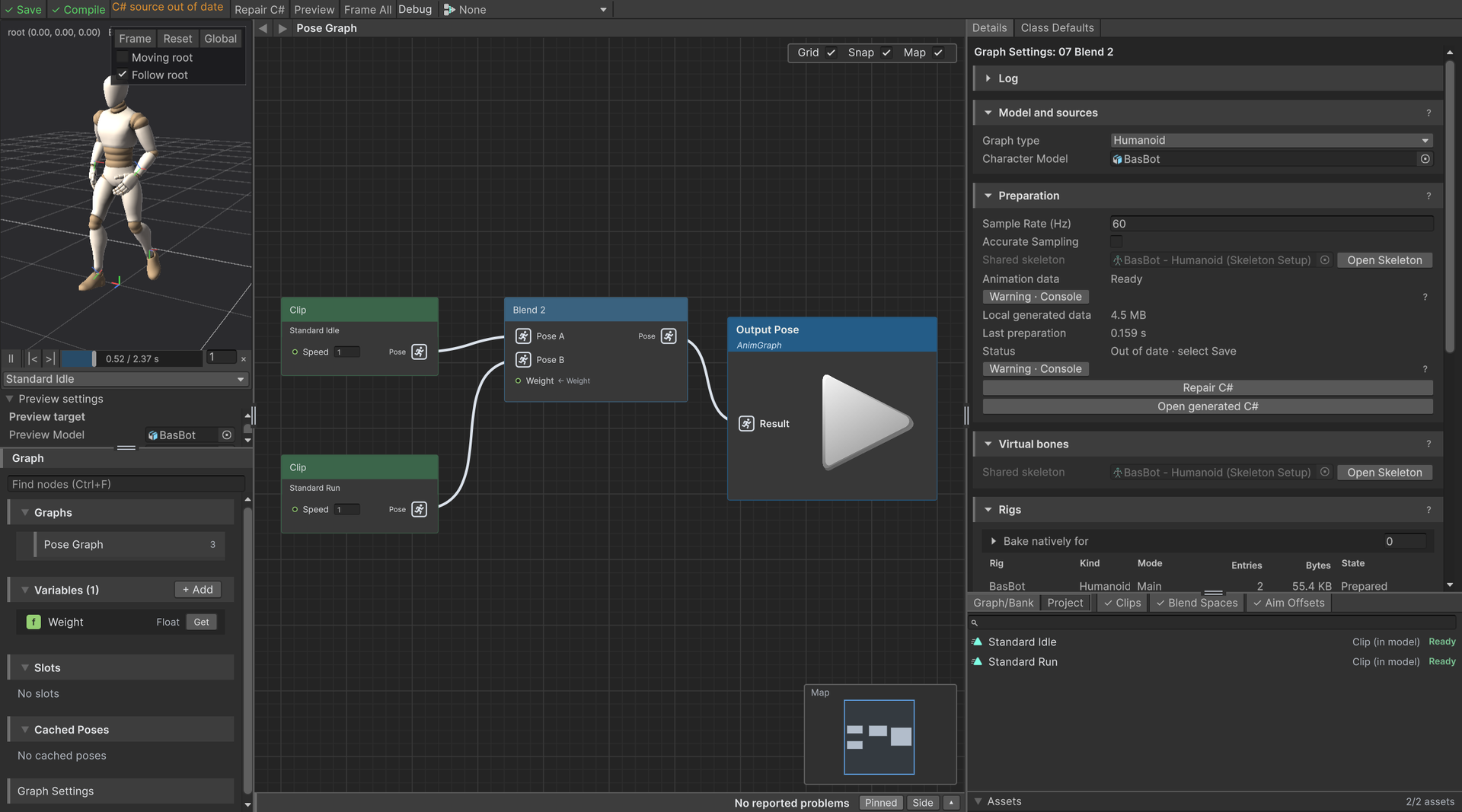
A weight controls how much an input contributes to a result.
In BAS
A zero pose contribution has no effect. The meaning and valid range of a weight depend on the node and blend rule.
A layer weight acts before its bone mask. Some blends normalize their active input weights. Follow the selected node rules instead of assuming that every weight is processed in the same way.
Example
Set a layer weight to zero to inspect the base pose without that layer contribution.
Tools and examples
Reference details
This definition describes the term as used in BAS 1.0.