
 Documentation
Node reference / Cached poses
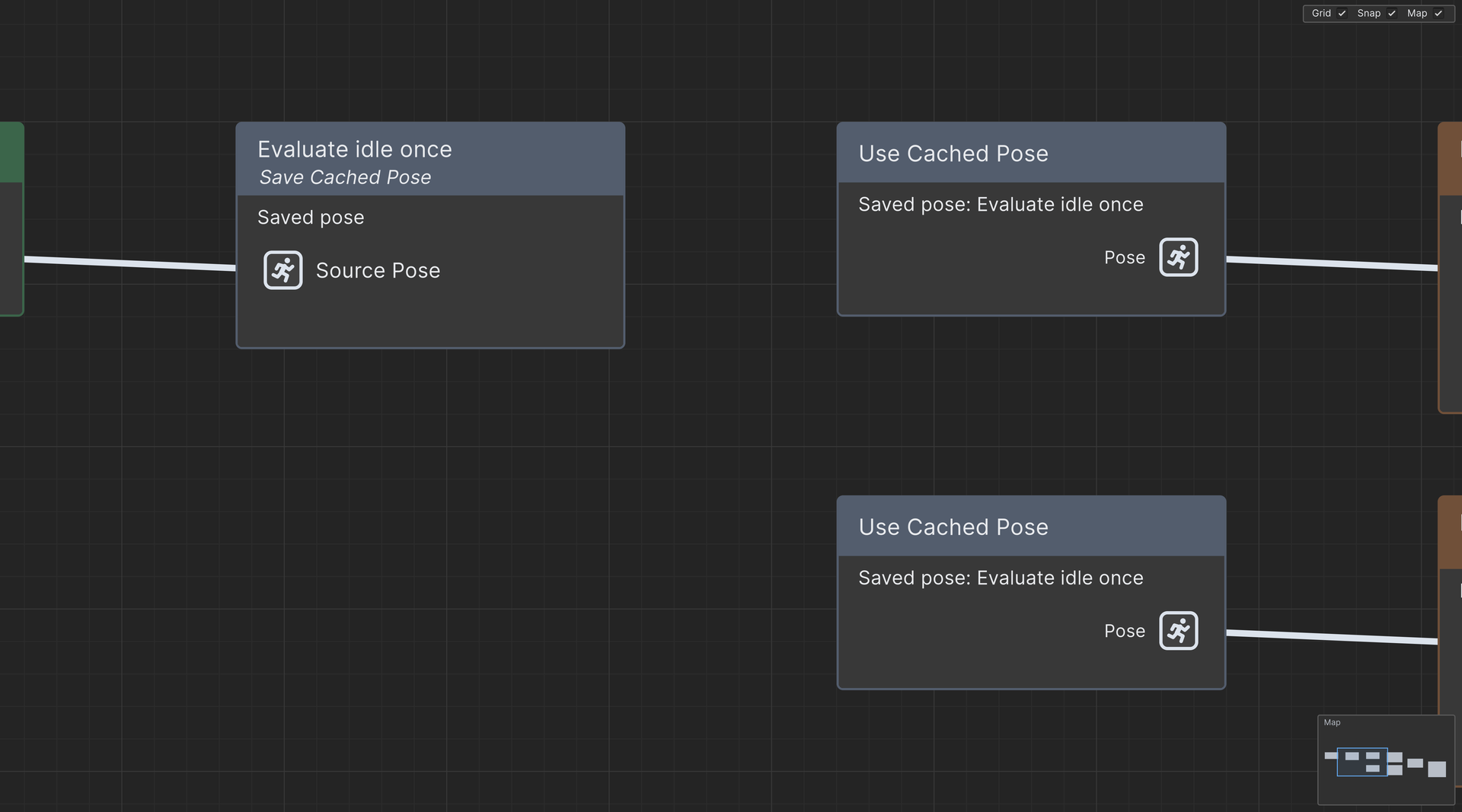
Use Cached Pose
Read the result of a Save Cached Pose node.
How it works
The Cache reference selects the saved branch. Multiple readers can select the same Save Cached Pose node.
The reader adds no clock and no separate sampling operation. Its output uses the selected cache result for the current tick.
Inputs and output
| Port | Type | Function |
|---|---|---|
| Cache | Saved pose reference | The Save Cached Pose node to read. |
| Pose | Output | The cached pose result. |
Settings
| Setting | Default | Function |
|---|---|---|
| Cache | None | Select a Save Cached Pose node in this graph. |
Common node controls
Name changes the canvas label. Type identifies the node and is read-only. Advanced shows structural pose connections and retained data.
Setup example
- Create a Save Cached Pose node for the branch.
- Add a Use Cached Pose node and select that cache.
- Connect the reader output to a blend or other pose input.
Try it in Gallery
Open 16 Save Cached Pose in the Gallery Graphs folder. Compare Look left and Look right, which each read the same cached idle pose.
Requirements and limits
- The reference must identify a valid Save Cached Pose node.
- Do not create a connection cycle through a cache reader.
Reference details
BAS 1.0 reference. Node type: UseCachedPoseNode. Main source: AnimNodes.cs. Defaults also use the node constructor and the shared Editor field definitions.